How to Install IPTV on Amazon Fire Stick (Step by Step)
September 15, 2026
1 min read
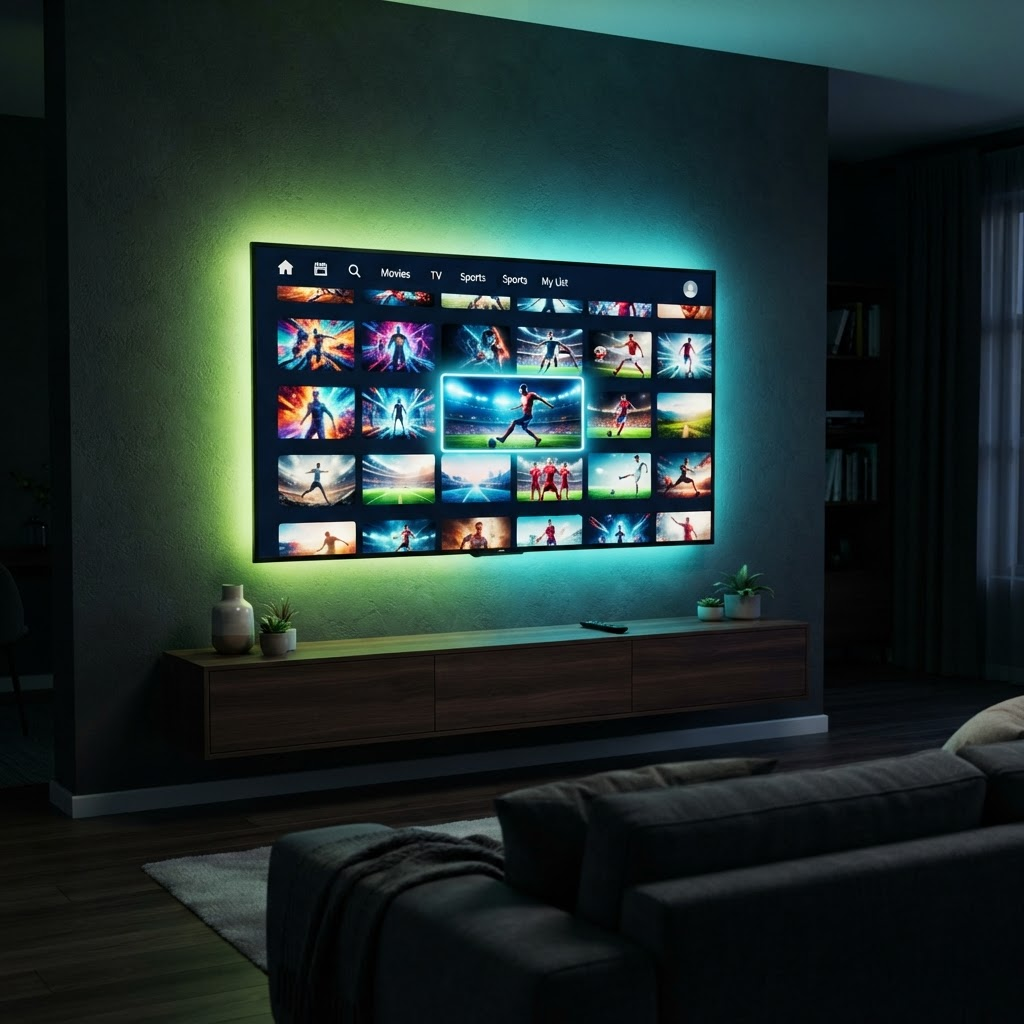
The Amazon Fire TV Stick is one of the easiest and most popular ways to watch IPTV4ME. Here is how to get set up in just a few minutes.
1. Allow app installs
From your Fire Stick home screen, go to Settings > My Fire TV > Developer Options and turn on “Apps from Unknown Sources”.
2. Install a player
Use the search bar to find a compatible IPTV player, then download and install it. We recommend the player included in your setup guide.
3. Enter your login
Open the app and enter the username, password and URL we send you after your order is confirmed.
4. Enjoy
Channels and VOD will load within seconds. You are ready to stream in 4K. If anything looks off, message us on WhatsApp and we will help.